Online watermark maker for photographers
A photography watermark can help identify your work when images are shared online. This tool is designed for photographers who want a fast way to create a watermark without needing separate design software. You can combine your studio name with a logo, use a handwritten-style signature, create a simple copyright watermark, or make a minimal text mark that stays unobtrusive on an image.
Photography watermark features
- Create text, logo, signature and copyright watermarks.
- Build white, black and custom-colour watermark variants for different photographs.
- Adjust fonts, size, opacity, spacing, safe margins, shadows and outlines.
- Preview watermark placement on light, dark, warm and busy images.
- Export transparent PNG files and SVG files.
- Download a reusable watermark pack in multiple variants and sizes.
How to make a photography watermark
Enter your photographer or studio name, upload a logo if you have one, and choose a style preset or choose your own custom settings. Adjust the colour and opacity until the watermark remains visible without distracting from the photograph. Use the advanced controls to fine-tune typography, spacing and placement, then export the finished watermark as a transparent PNG or SVG.
Photography watermark FAQ
What is a photography watermark?
A photography watermark is a visible name, logo, signature or copyright mark placed over an image to identify the photographer or studio.
Can I make a transparent watermark?
Yes. The watermark designer can export transparent PNG files, allowing the watermark to be placed over photographs without a solid background.
Can I use my own logo or signature?
Yes. You can upload a photography logo or custom signature and combine it with text in the watermark designer.
Should a photography watermark be white or black?
It depends on the photograph. A light watermark usually works better on dark areas, while a dark watermark often has stronger contrast on bright areas. This tool lets you create both variants.
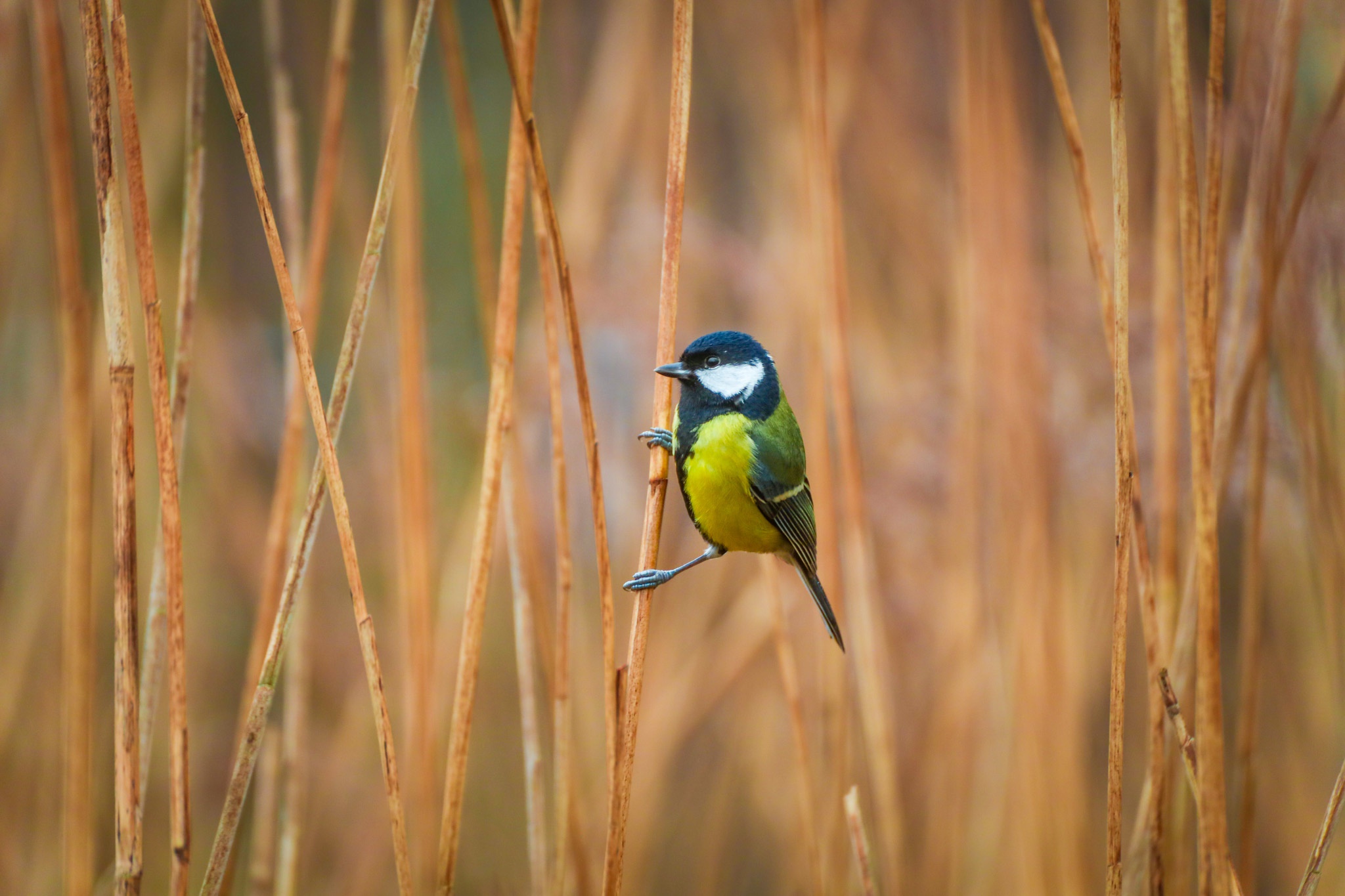 Example image 1
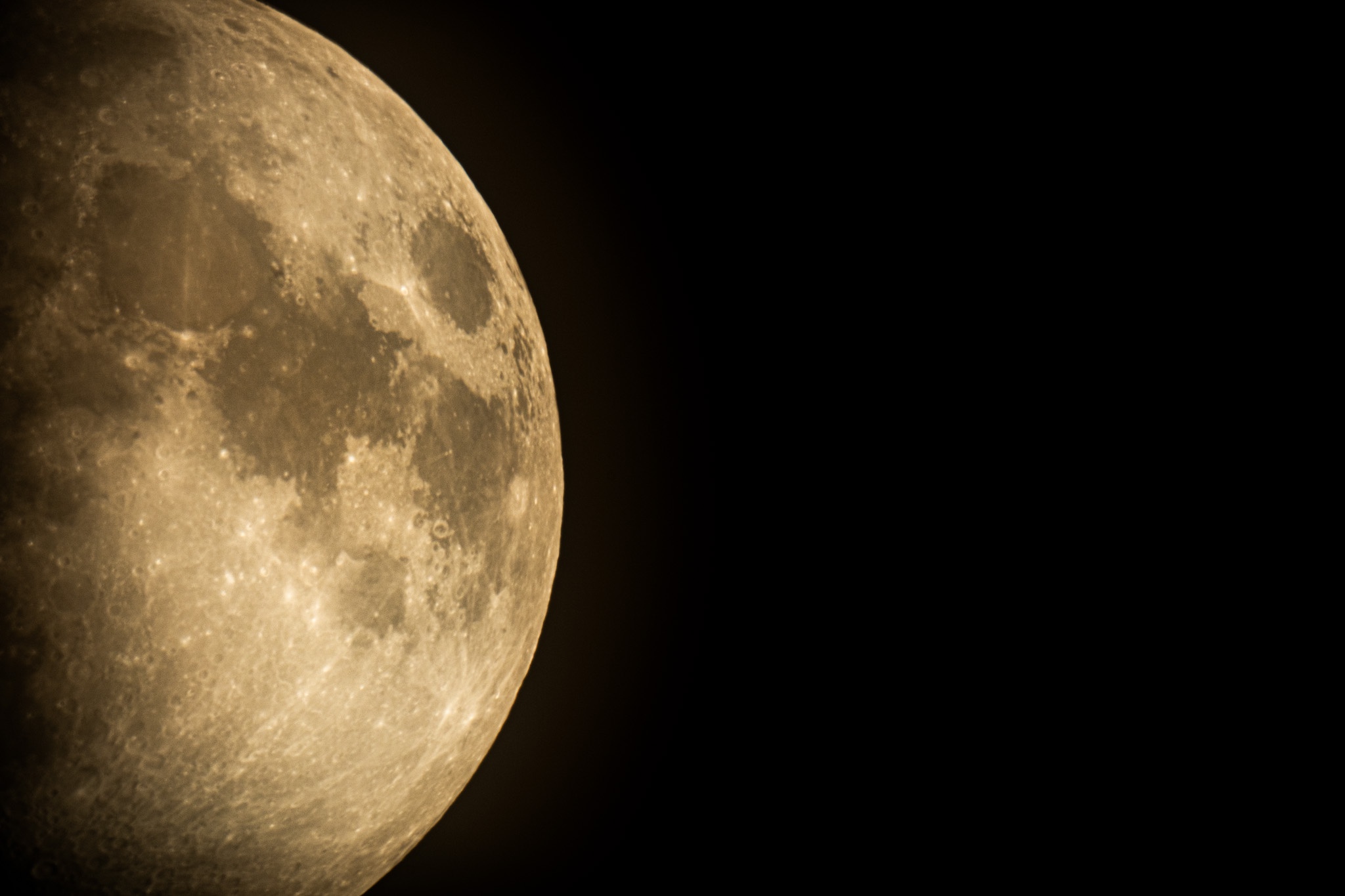 Example image 2
 Example image 3
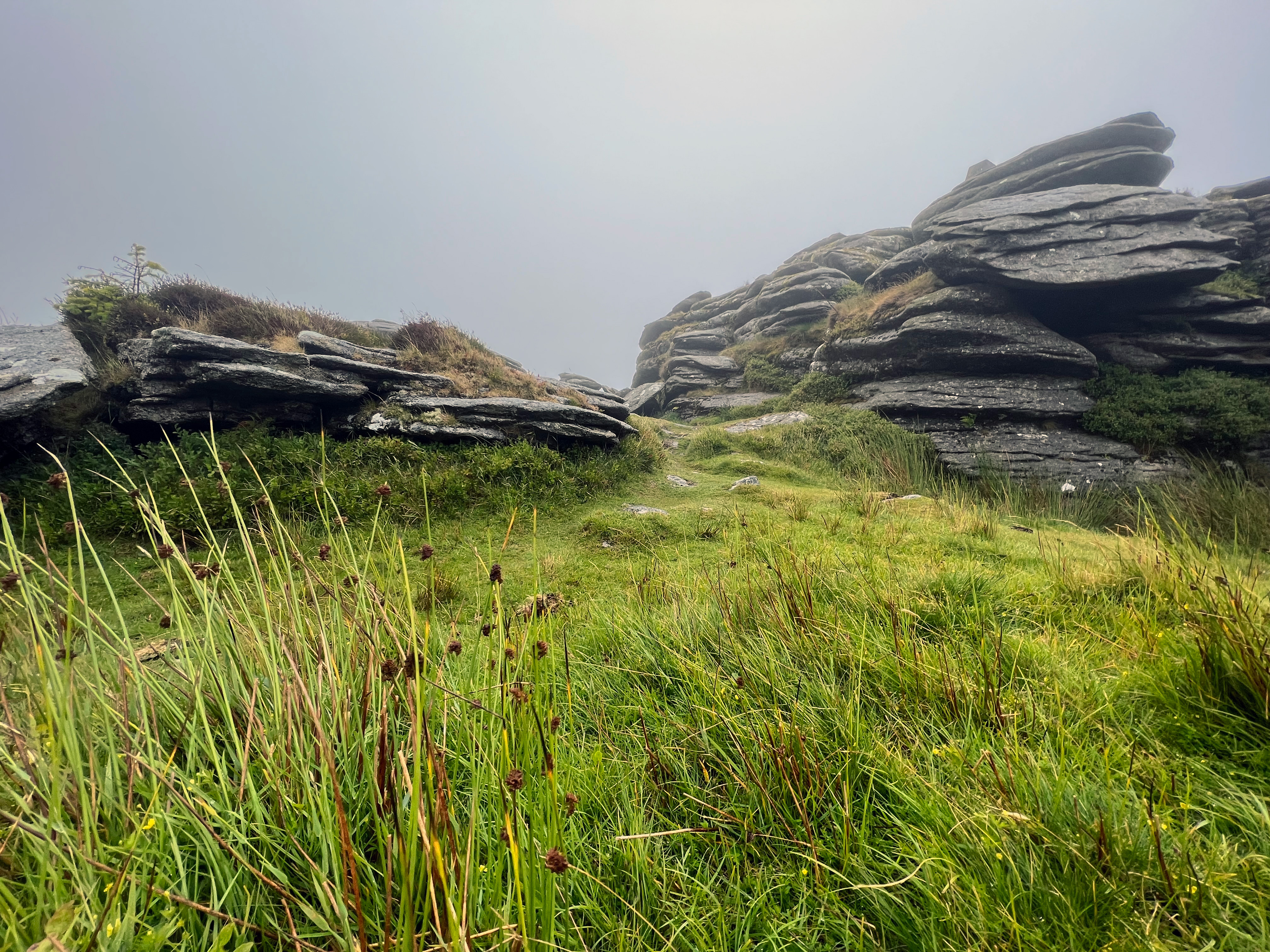 Example image 4